

Find your game
Choose your game and setup: software or a Makcu board.
A macro for CS2. Weapon profiles, settings for every weapon and automatic weapon detection.
Features and settings of the interface shown.
Macro strength automatically adjusts to the selected weapon and your mouse sensitivity.
Set your crouch key, and the macro will automatically reduce its strength when you press it.
Makes mouse movement less repetitive and more natural.
The macro detects the weapon in your hands and switches profiles automatically. No separate binds are needed for each weapon.
Choose your game and setup: software or a Makcu board.
Open the product page. Your duration links directly to the matching FunPay listing.
Receive access according to the listing terms. Support will help with installation questions.
Works on any version of Windows 10/11.
Choose a subscription duration and open its FunPay listing. The key and instructions are delivered automatically. Keep your order number for support.
There are no guarantees. Game developers actively work to detect this cheat software, but Aura Scripts has not been detected once in three years of active sales. Read the terms before purchasing.
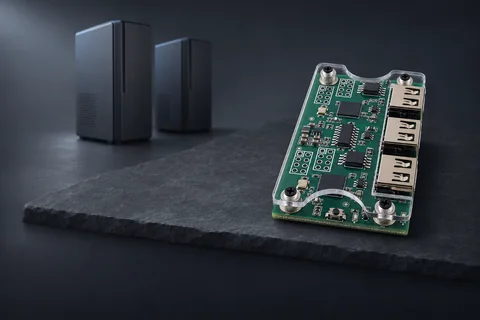
A separate CS2 macros edition for Faceit. A setup with a Makcu board and a second PC or laptop.
We will help you choose a product, check your setup and get started.
