

Find your game
Choose your game and setup: software or a Makcu board.
A Rust macro for a Makcu board setup. Individual weapon settings for any scope and in-game configuration.
Features and settings of the interface shown.
Choose the weapon profile you need from a clear, easy-to-use menu.
Configure each weapon individually for your chosen sight.
Assign keys to quickly switch between weapon profiles.
Choose a key that must be active for recoil compensation to work.
Set your crouch key so the macro adjusts its strength when you press it.
Makes mouse movement more natural and reduces repetitive macro patterns.
Adjust recoil compensation strength to match your SENS, ADS, FOV and DPI values.
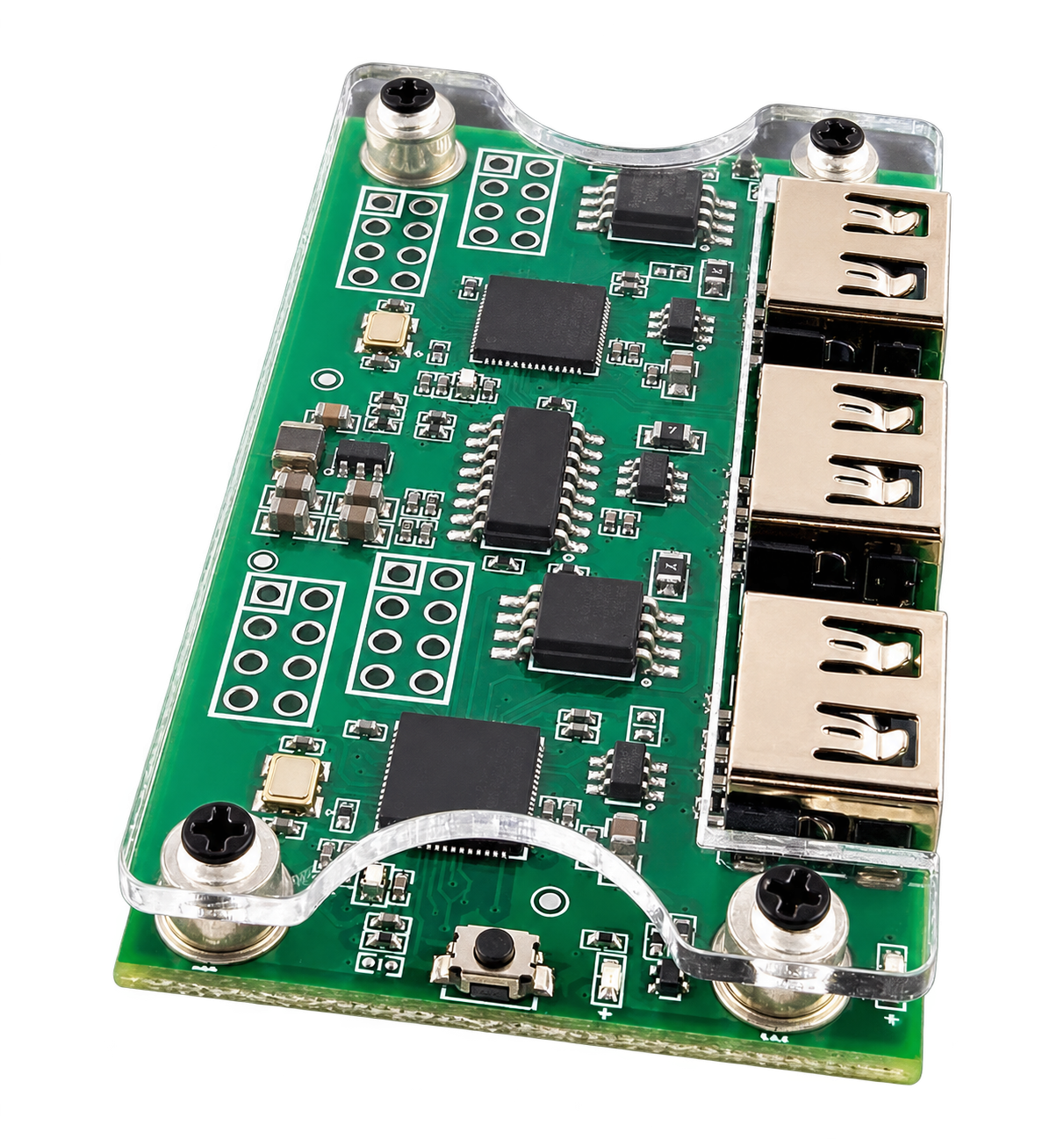
This edition specifically uses the Makcu Arduino dual-chip board based on ESP32-S3. Prepare your setup before purchasing access; we can help with connection questions.
Check board and computer compatibility before paying.
Check what is included, board availability and connection requirements in the listing or with support.
Use the Makcu Arduino dual-chip board based on ESP32-S3, as shown in the image.
Help connecting two PCs is a separate service, not a subscription period.
2 PC connection · ₽740Choose your game and setup: software or a Makcu board.
Open the product page. Your duration links directly to the matching FunPay listing.
Receive access according to the listing terms. Support will help with installation questions.
Works on any version of Windows 10/11. This edition specifically requires a Makcu Arduino dual-chip board based on ESP32-S3. A 2 PC setup can also be used optionally.
Choose a subscription duration and open its FunPay listing. The key and instructions are delivered automatically. Keep your order number for support.
There are no guarantees. Game developers actively work to detect this cheat software, but Aura Scripts has not been detected once in three years of active sales. Read the terms before purchasing.
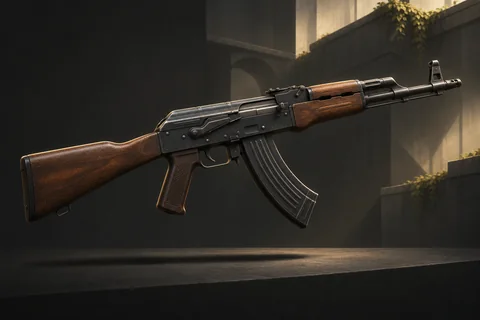
A macro for CS2. Weapon profiles, settings for every weapon and automatic weapon detection.
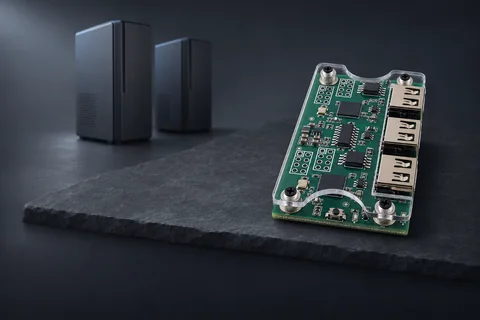
A separate CS2 macros edition for Faceit. A setup with a Makcu board and a second PC or laptop.
We will help you choose a product, check your setup and get started.
